Centralized Environmental Data
Manage the world you measure
DATACT is where your imagery becomes a story. It processes drone and satellite data into clear, interactive maps and 3D views, keeps everything organized on the map for seamless collaboration, and lets you share insights securely with anyone. From internal teamwork to public storytelling, DATACT connects people, data, and place — all in one platform.
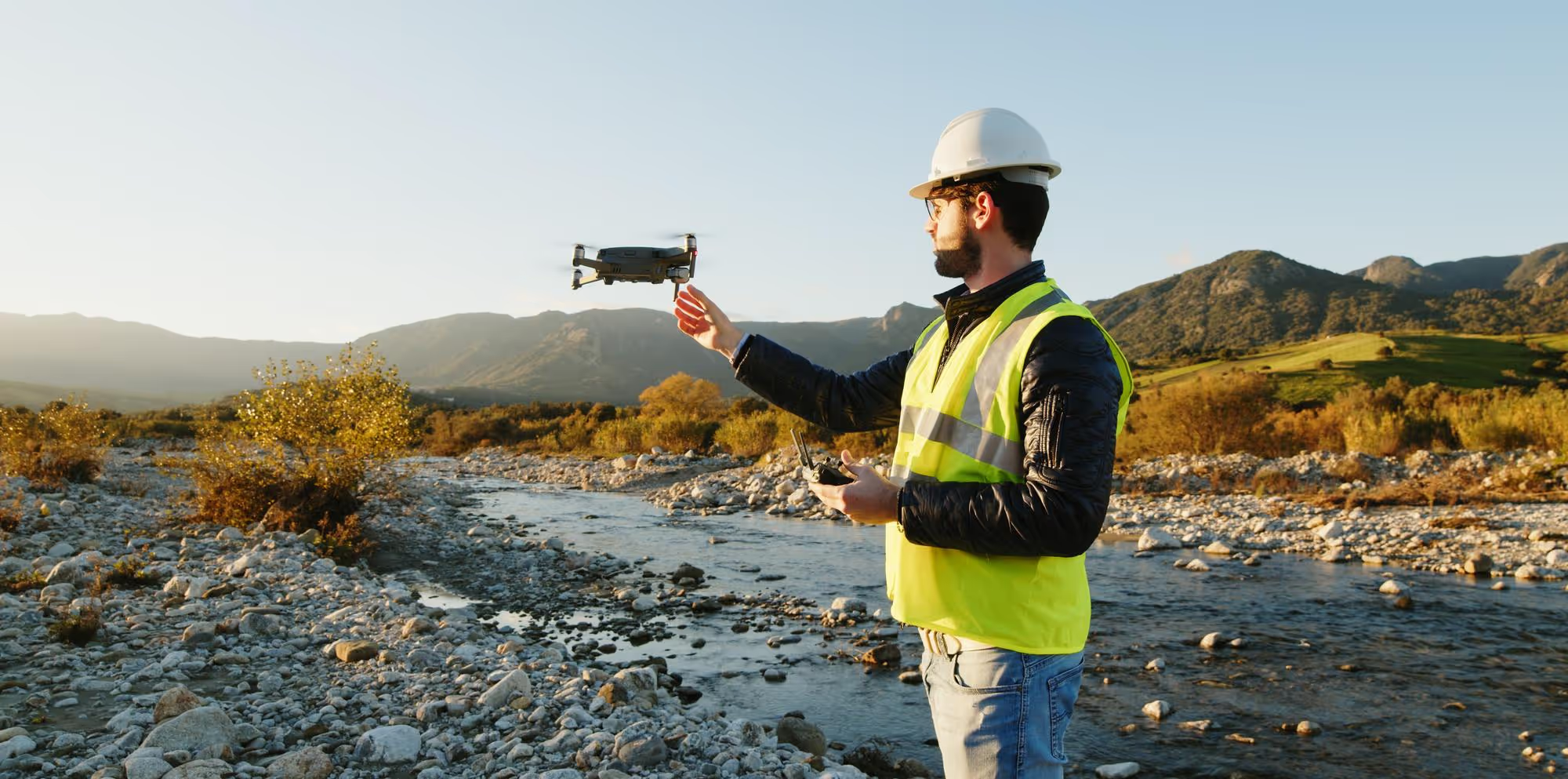
Transform Your Drone Photos into Stunning Maps and 3D Models
Smart Data Collection
Through the software solution, our clients can onboard relevant data, including data collected by our teams and third-party data from satellites and local drone operators. Our nature data management software to address this.
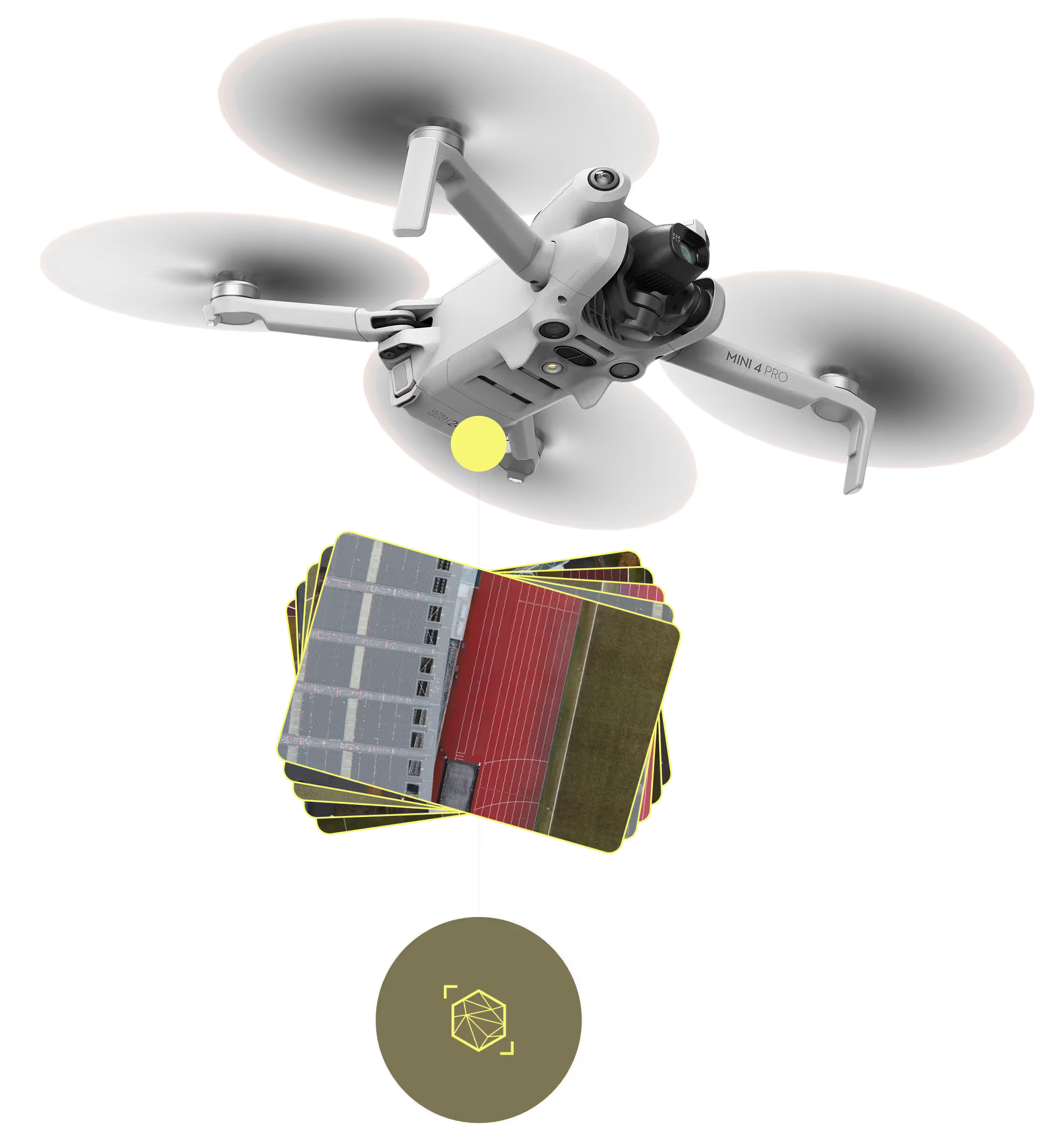
Your Drone. Your Data. Simplified
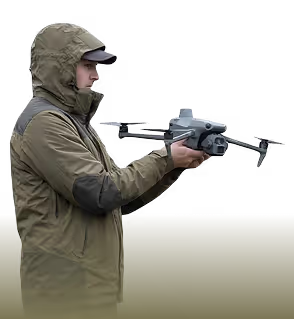
Your field team
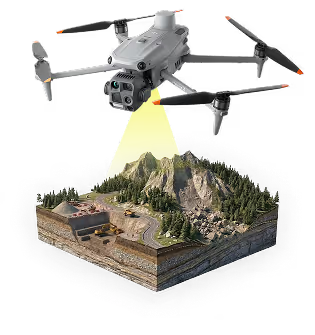
Manual data capture
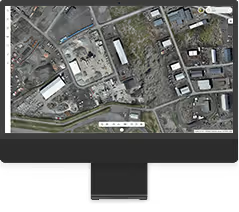
DATACT Platform
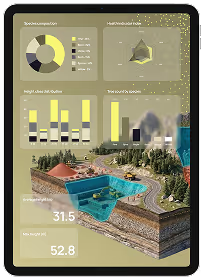
Insight
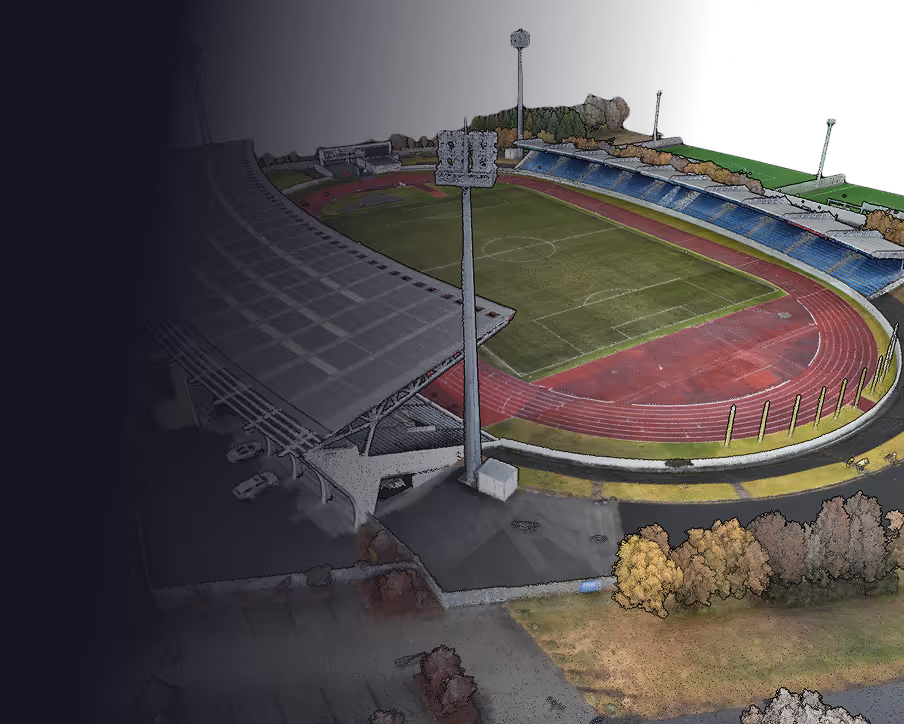
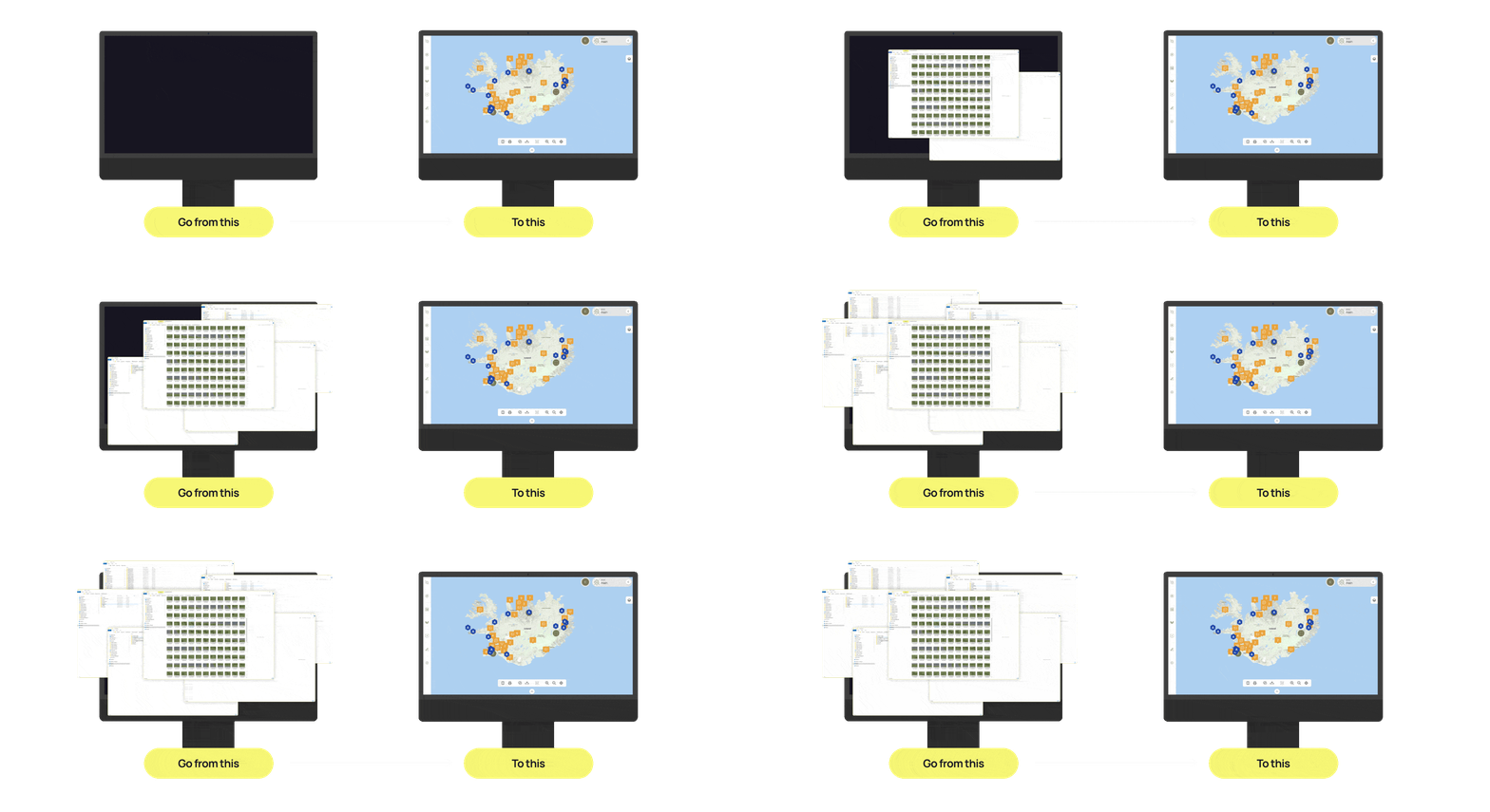
From flight to insight: Upload your drone data and let DATACT handle the heavy lifting. Our cloud-based processing converts raw images into stunning 2D and 3D models, providing the visual clarity you need to make smarter, faster decisions.
Check out
our DATACT
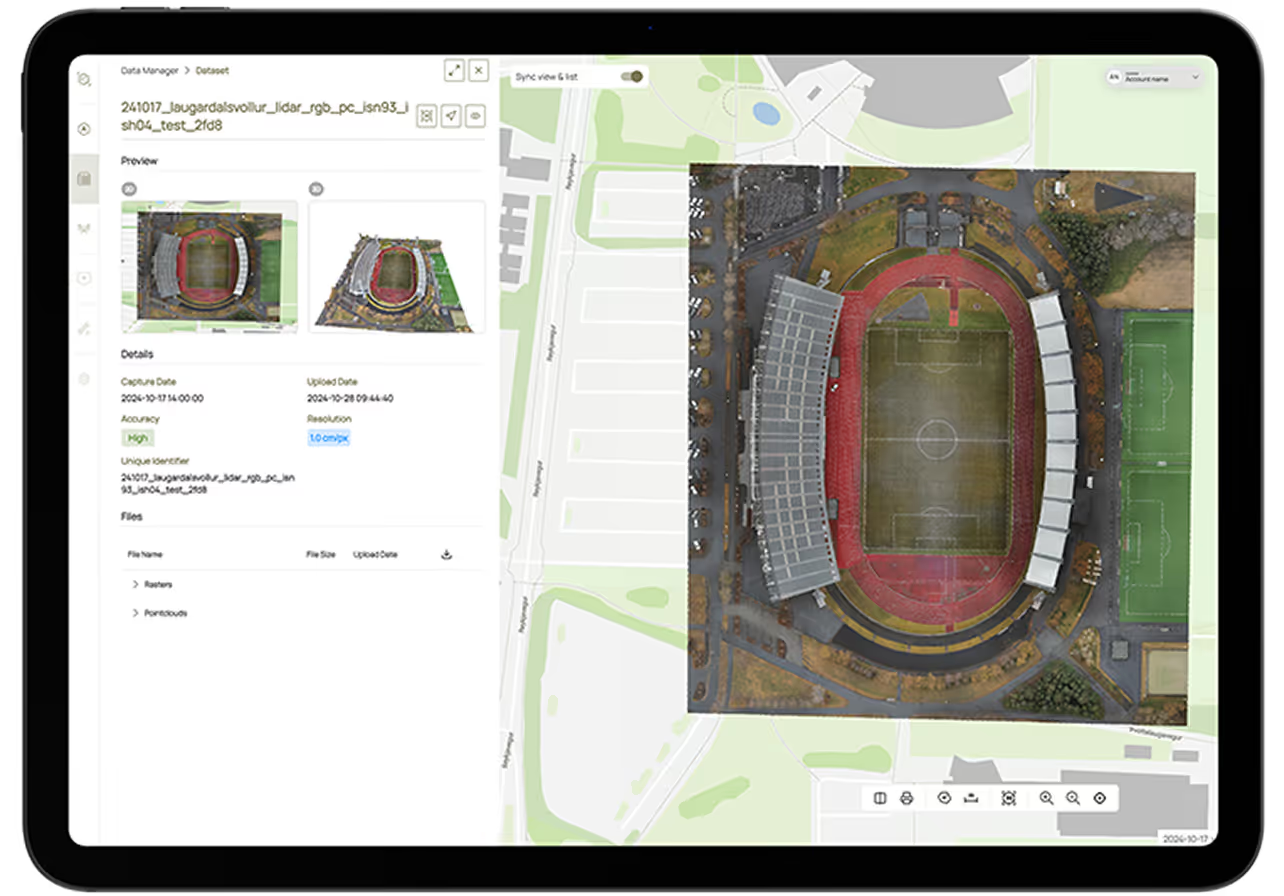
Map-Based Image Management and Discovery
DATACT lets you drag and drop your photos directly onto the map — from drones, phones, or 360° cameras. Each image automatically appears in its correct location, so you can find what you need by place, not by folder. It’s a smarter, visual way to connect ground imagery with your geospatial data and keep everything organized in one intuitive workspace.
Key features
Drag-and-drop simplicity – Upload photos from drones or phones directly onto the map; DATACT automatically positions them using GPS data.
Map-first search – Browse and locate images visually by zooming into the area where work took place instead of searching through project folders.
Connect ground and spatial data – Link on-site images with maps, orthophotos, and 3D models to understand what’s happening both on the ground and from above.
Powerful filtering – Instantly filter by date, time, or keywords from image names and descriptions.
Visual context – Eliminate the need to remember project names or locations; everything is stored where it was captured.
Collaboration ready – Share filtered map views or image collections securely with your team or external partners.
Secure and centralized – All imagery stays safely managed within DATACT, stored on European servers with controlled access.
Benefits
Save time – Locate the right image in seconds instead of digging through endless folders.
See the full picture – Combine aerial, ground, and map data to gain true spatial understanding.
Improve collaboration – Give everyone access to the same visual information in a shared map environment.
Simplify workflows – Organize, search, and analyze images and geospatial data in one place.
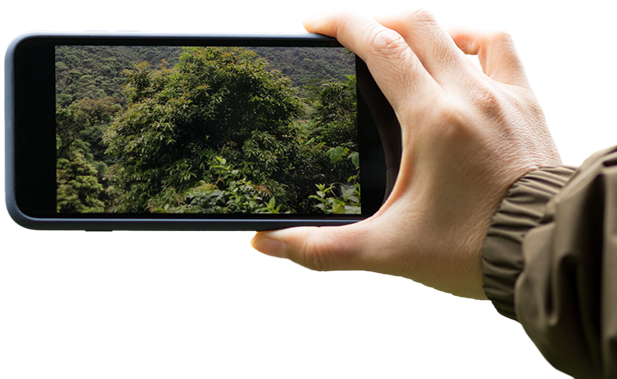
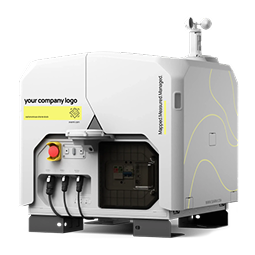
Drone in a box:
Integration with DJI Dock 3
DATACT Integration: Your newest teammate, ready for work.

Flexible options
Flexible access
No technical setup required
All permits handled
Seamless operation
Quick deployment
your benefits
Automatic data capture
Instant response capability
Detailed visual outputs
Accurate & measurable data
Secure cloud access
Collaborative visibility
Zero setup time
Automated drone
& charging
Automated data capture
& visual data
DATACT Platform
Insight
Simple, Instant Access to Satellite Data
With DATACT, you can instantly access up-to-date satellite imagery directly within your workspace. Combine satellite views with your drone and field data to monitor change, assess environmental conditions, or fill in data gaps between site visits. This seamless integration gives you a continuous, spatial overview — without leaving the platform.
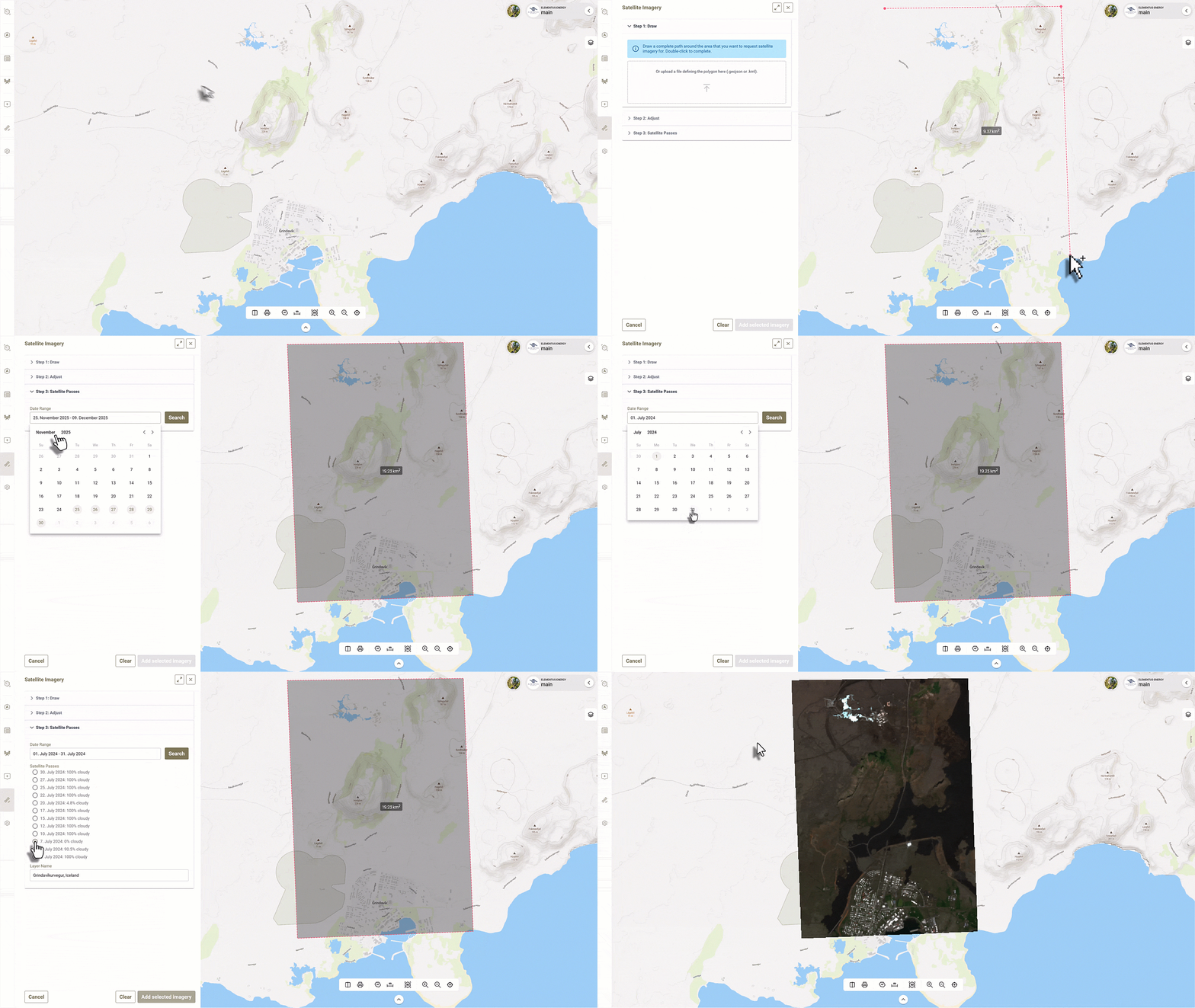
Instant access – View recent and historical satellite imagery for any location in seconds.
Unified data – Combine satellite, drone, and ground data in one interactive map.
Monitor change – Track environmental conditions, vegetation, or land use over time.
Context between site visits – Fill gaps and maintain awareness even when you’re not on location.
No setup required – Satellite layers are integrated directly into DATACT; simply turn them on.
assets
Spatial Management of Your Projects and Infrastructure
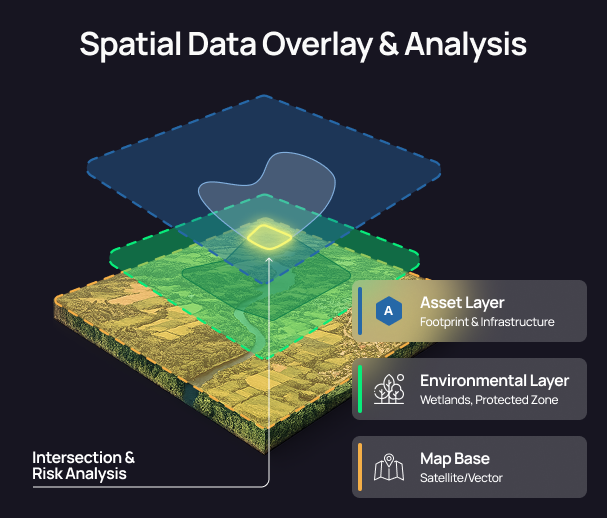
The Assets feature in DATACT lets you visualize and manage all your assets directly on the map. Each asset appears as a blue hexagon, making it easy to locate and organize even large networks of sites or projects. Assets can represent physical infrastructure, facilities, or project areas — from wind turbines and substations to wetlands or restoration zones.
With Assets, you can define, update, and analyze the geographic footprint of each site, monitor areas of interest, and understand how they interact with environmental and regulatory layers — all in onespatial workspace.
What You Can Do
Visualize your assets on the map – Every asset is displayed as a blue hexagon, giving a clear overview of all locations in one unifiedmap view.
Represent infrastructure or projects –Use assets to mark physical assets (e.g., power stations, roads, buildings) or project areas(e.g., conservation sites, restoration zones).
Define asset-related areas – Add and manage vector areas directly connected to each asset for deeper spatial insight.
Upload or draw areas – Create boundaries manually on the map or upload your own vector files (e.g., GeoJSON, SHP, KML).
Overlay with geospatial data – Compare your asset areas with layers like protected areas, vegetation cover, hydrology, or land use to identify overlaps and risks.
Store related files – Attach and organize documents, photos, or datasets directly to each asset for centralized access.
Area Types in Assets
Asset Footprint – Defines the land area belonging to or representing the asset (e.g., ownership boundary or project extent). Only one footprint can be active at a time — helping teams ensure they’re always working with the most up-to-date boundary, while keeping older versions for reference.
Monitoring Area – Create multiple active monitoring zones to define areas that require focused observation or data collection.
Area of Influence – Define areas around the asset that are significantly affected by its presence or activity (e.g., environmental impact zones).
Why it matters
See everything in one place – Eliminate the need to search for folders or outdated maps; all assets and their areas live on the map.
Overlay with geospatial data – Compare your asset areas with layers like protected areas, vegetation cover, hydrology, or land use to identify overlaps and risks.
Store related files – Attach and organize documents, photos, or datasets directly to each asset for centralized access.
Collaborate easily – Teams can access and update asset information from anywhere, reducing confusion and duplication.
Connect data to location – Every file, dataset, and note linked directly to its geographic context.
Collaboration & Data Sharing
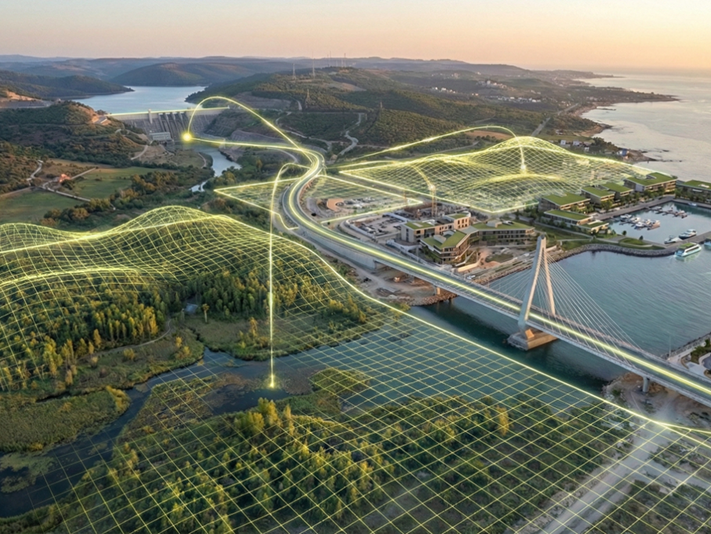
DATACT brings your people and data together. Whether you’re a two-person team or a global enterprise, DATACT eliminates data silos by making all your imagery, maps, and geospatial data accessible in one secure platform. Share information, collaborate in real time, and manage access effortlessly — without endless file transfers orlost data.
“One place for your data, your team,
and your partners — working
together in real time.”
Team-Based Workspaces
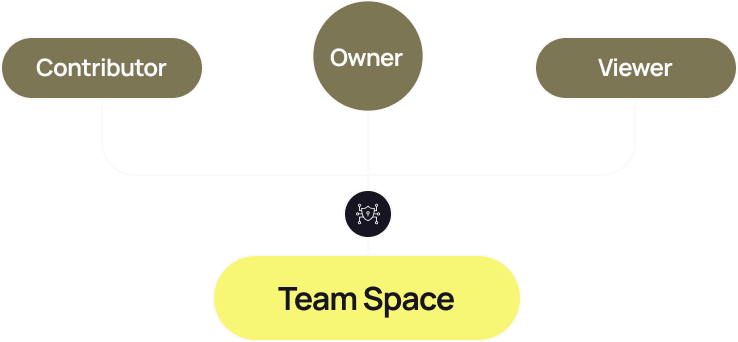
Each organization has a shared Team Space where all members can access and contribute to data. Roles like Owner, Contributor, and Viewer control permissions — ensuring flexibility and security for every team size.
Channels for Collaboration
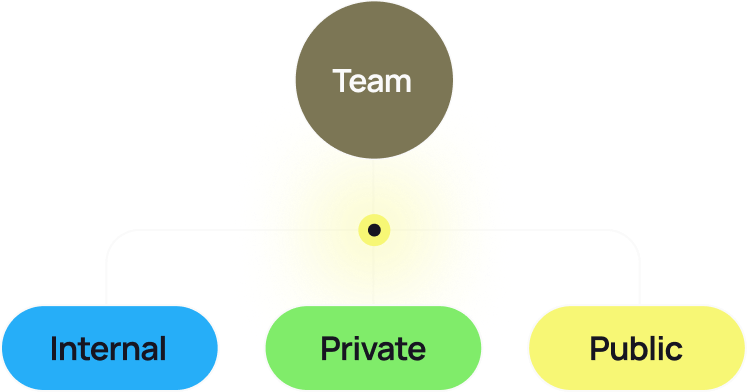
Channels are interactive workspaces — think of them as maps for teamwork.
Internal Channels: For your company-wide collaboration. Everyone in your team can join, explore, and add data.
Private Channels: Perfect for sensitive or early-stage work — only invited members can view and contribute.
Public Channels: Share your work with external stakeholders or the public through simple links, with full control over visibility and downloads.
Invite External Collaborators
Easily invite contractors, consultants, or partners to specific channels — letting them upload or access data without full platform access. Collaboration stays focused, controlled, and traceable.
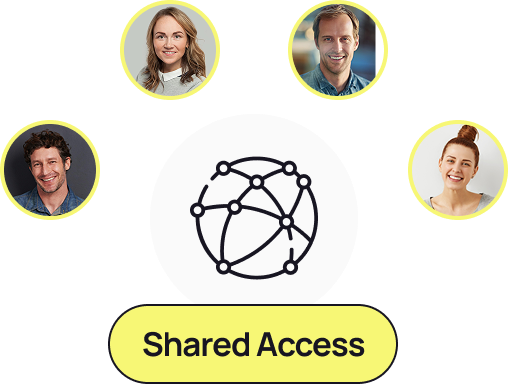
Secure Data Sharing at Scale
DATACT handles large datasets — tens or hundreds of gigabytes — that traditional file sharing can’t. Instead of uploading and downloading repeatedly, your data lives securely in one place, instantly available to authorized users.
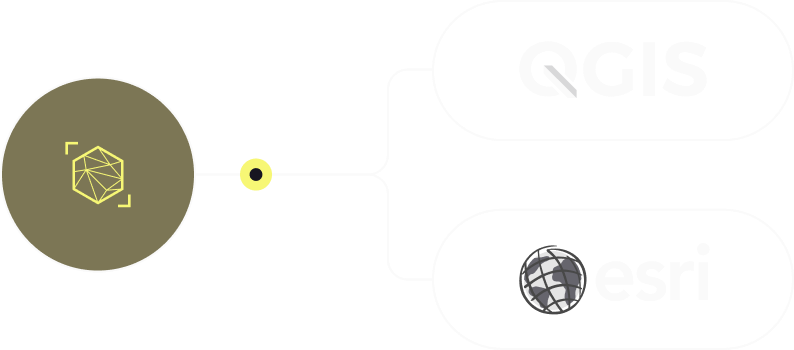
Integration with GIS Systems
Stream data directly to other GIS platforms using secure WMS links authenticated with your API key. Keep your spatial workflows connected — no need to re-upload or duplicate data.
Why It Matters
End data silos – connect teams, contractors, and stakeholders in one shared environment.
Save time – no repeated uploads or file transfers; everyone accesses the same source of truth.
Stay secure – control exactly who sees what, with flexible channel permissions.
Share effortlessly – generate shareable links for internal, private, or public access.
Collaborate visually – work together directly on the map — not in folders.
geoservices
Complete Context, Layer by Layer
Stream public and private map data directly over your drone imagery.
Don’t just look at your site; understand it. DATACT lets you overlay external geo-services (WMS, WMTS, WFS) directly onto your own high-res drone imagery. Visualize underground infrastructure like district heating pipes right on top of your thermal surveys, define precise asset zones (Area of Influence, Monitoring Areas), and see the full picture in seconds.
What are Geoservices?
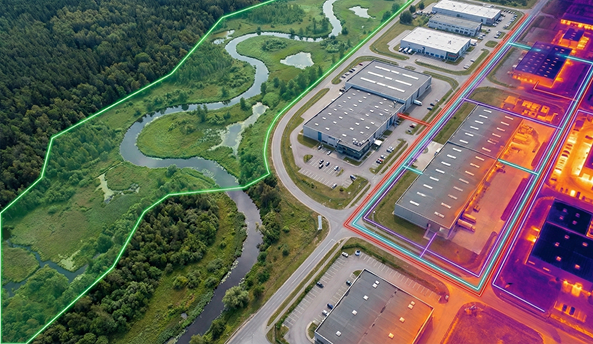
Think of them like "live streams" for maps. Instead of downloading huge files, DATACT lets you stream map layers directly over the internet.
- Public Data: Instantly view free government layers like property lines, flood zones, or utility networks.
- Private Data: Securely connect your team’s own GIS databases to see your internal engineering or asset data. It’s instant, live, and always up to date.
Scalable Plans
for Every Workflow
Essential
For individuals or small teams beginning with drone and field data
Designed for individuals exploring nature data management.
- 1 public channel
- 1 editing user
- 2 GB of storage and
- 100 days of data history
- Basic pins for images, videos and notes
most popular
Professional
Advanced tools and workflows for growing teams and frequent missions
Designed for field teams collecting data regularly.
- 5 public channels
- 5 editing users
- 250 GB of storage
- Cloud-based drone data processing
- •Pins for images, videos and notes
enterprise
Scalable solutions – custom integrations and premium support
Designed for ambitious teams andlarger organisations
- Unlimited public channels
- Unlimited no. of internal users
- Custom storage options
- Cloud-based drone data processing
- Pins for images, videos and notes
Compare plans
Find the perfect plan for you
Start Making Your Nature Data Work for You
